> For the complete documentation index, see [llms.txt](https://gitbook-docs.coinmetrics.io/llms.txt). Markdown versions of documentation pages are available by appending `.md` to page URLs; this page is available as [Markdown](https://gitbook-docs.coinmetrics.io/data-visualization/charting-tool/formula-builder.md).
# Formula Builder
https\://charts.coinmetrics.io/formulas/
### Formula Builder Overview
The formula builder allows you to transform the available Coin Metrics' data series. For example, you can create your own ratios, add together USDT metrics, slice or splice time series, even customize the line colors and many more things.
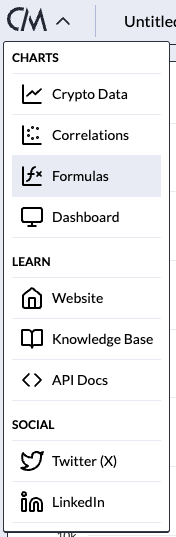
The formula builder editor and information can be found via the menu in the top left by clicking on the CM logo and selecting the "Formulas" button.
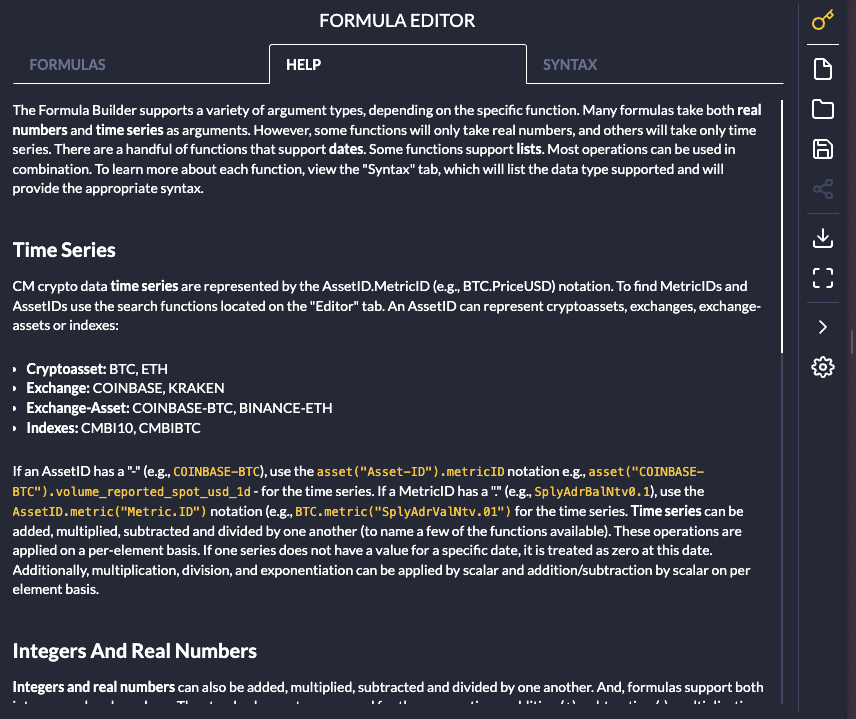
If you are unfamiliar with the formula builder and syntax, the "Help" tab is a good place to start.
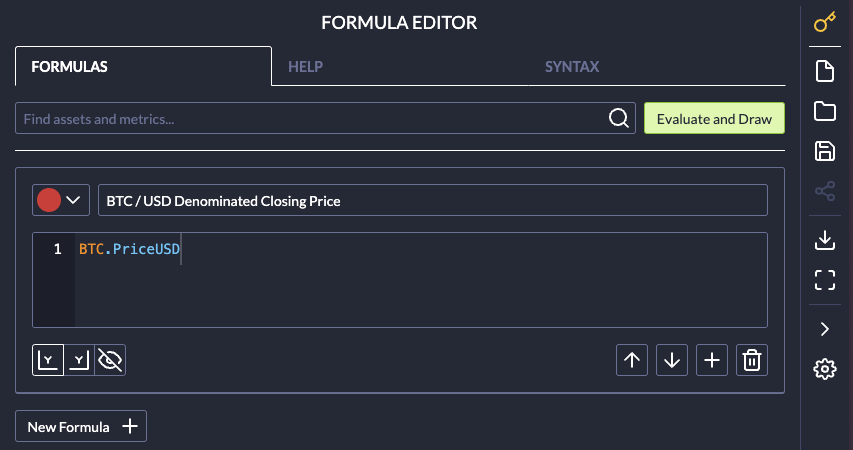
### Formula Editor
The formula editor is under the "Formulas" tab. An example of a very simple formula is shown below.
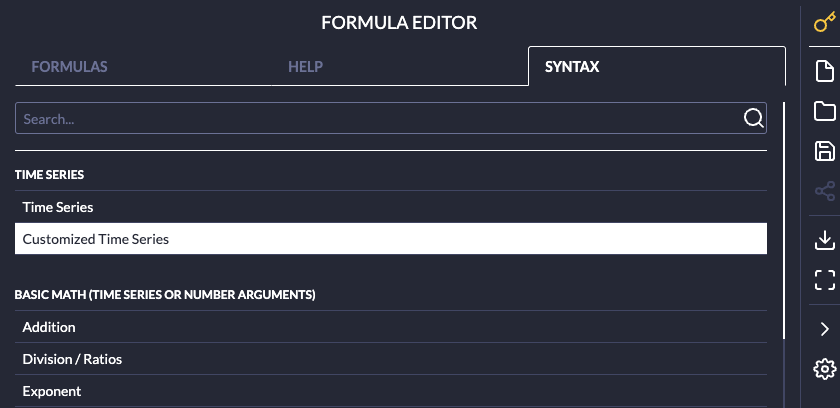
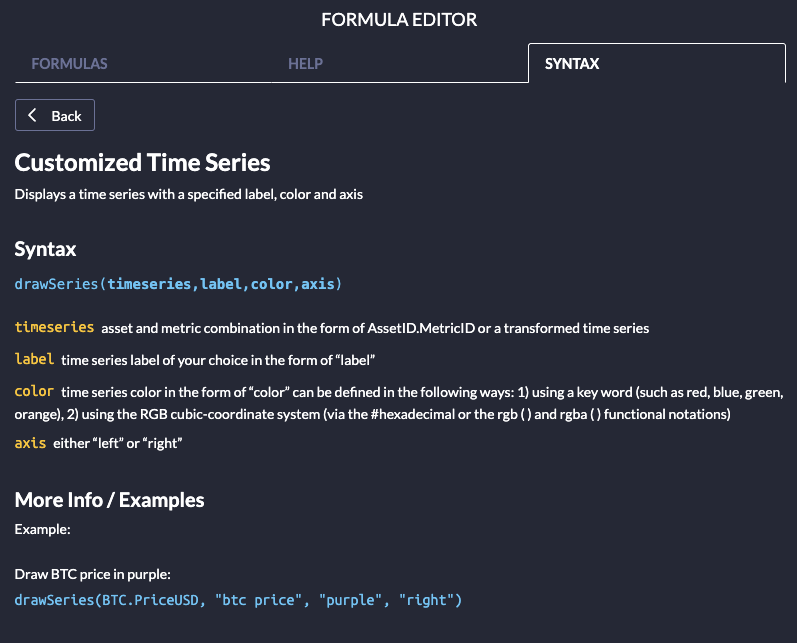
### Syntax
Specific **syntax** and **syntax** **examples** can be found on the "Syntax" tab. You can search for the specific "formula" in the "Search..." window or scroll through the list of available formulas. Once a formula is selected, further information on that formula (including the "syntax" and often an example) show up in the window.
### Chart/Formula Example
A great example of a Formula Builder Chart is this *BTC Market Cap Dominance* chart. This chart can be built easily in our Formula Builder.

If you click into the Formula Editor on the right side of the [charts](https://charts.coinmetrics.io/formulas/#1394), you can see the syntax used to create a combined time-series of Market Cap across all of the assets supported in our universe.

This just scratches the surface, as there are many other ways you can use this tool to transform our time-series. Here are a few more examples:
* [ETH HODL Waves](https://charts.coinmetrics.io/formulas/#297)
* [BTC Active Supply Bands](https://charts.coinmetrics.io/formulas/#212)
* [USDT\_ETH Supply Distribution](https://charts.coinmetrics.io/formulas/#212)
* [USDT\_ETH Address Distribution](https://charts.coinmetrics.io/formulas/#163)
---
# Agent Instructions
This documentation is published with GitBook. GitBook is the documentation platform designed so that both humans and AI agents can read, navigate, and reason over technical content effectively. Learn more at gitbook.com.
## Querying This Documentation
If you need additional information that is not directly available in this page, you can query the documentation dynamically by asking a question.
Perform an HTTP GET request on the current page URL with the `ask` query parameter, and the optional `goal` query parameter:
```
GET https://gitbook-docs.coinmetrics.io/data-visualization/charting-tool/formula-builder.md?ask=&goal=
```
`ask` is the immediate question: it should be specific, self-contained, and written in natural language.
`goal` is optional and describes the broader end goal you are ultimately trying to accomplish on behalf of the user. GitBook uses it to tailor the answer towards what is most useful for that goal.
The response will contain a direct answer to the question and relevant excerpts and sources from the documentation.
Use this mechanism when the answer is not explicitly present in the current page, you need clarification or additional context, or you want to retrieve related documentation sections.